Debug
Available for
WARP Energy Manager 1.0WARP Energy Manager 2.0
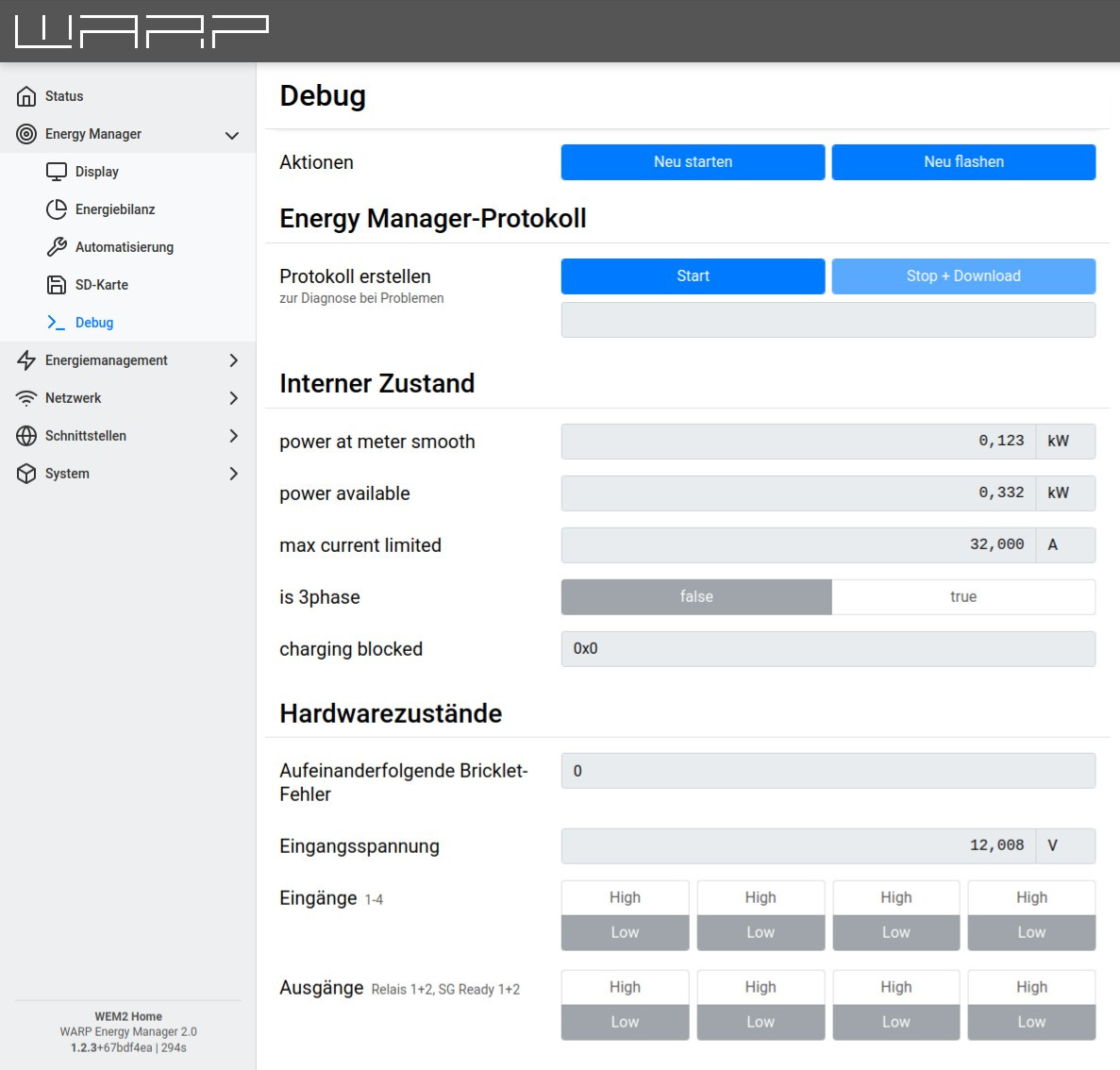
An Energy Manager log can be created on the debug page. This is helpful for diagnosing any problems with energy distribution. To create a log, simply click Start. The Energy Manager then begins to record all states at high frequency. With Stop+Download, the recording can be stopped and the created log downloaded.
Under Internal State and Low-Level State, internal states of the Energy Manager are displayed, which can be helpful for troubleshooting.