Settings
Available for
WARP1 ChargerWARP2 ChargerWARP3 ChargerWARP4 ChargerWARP Energy Manager 1.0WARP Energy Manager 2.0
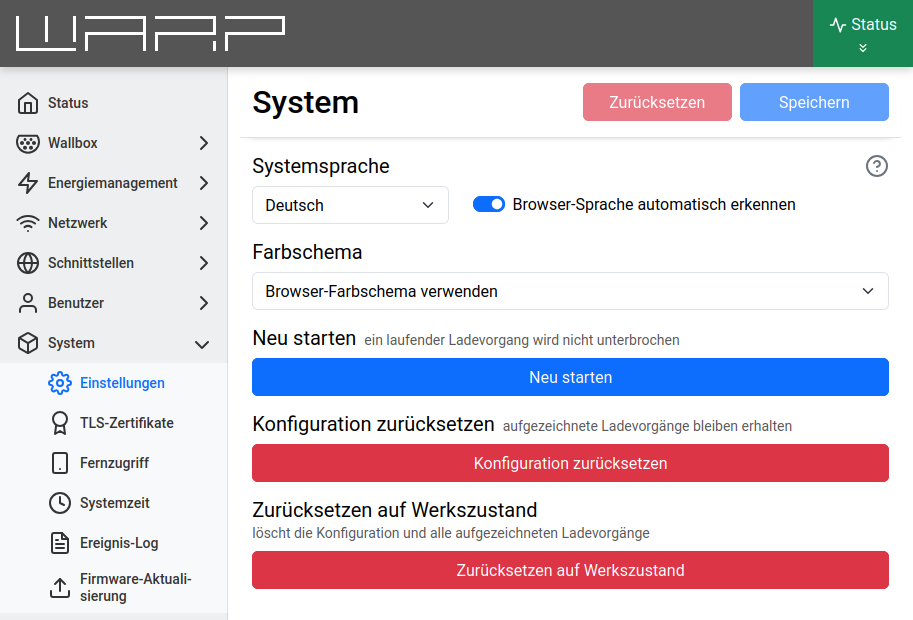
This page allows configuring the system language. Alternatively, the WARP Charger or WARP Energy Manager can determine the system language based on the browser language.
The Color scheme setting allows customizing the appearance of the web interface. A light and a dark color scheme are available, as well as the option to follow the browser's color scheme.
note
Resetting to factory defaults will erase all configurations.
After resetting, the web interface will start again and open the access point with the SSID and passphrase noted on the sticker. The device can now be configured again as in the tutorial First Steps.