WiFi Connection
Available for
WARP1 ChargerWARP2 ChargerWARP3 ChargerWARP4 ChargerWARP Energy Manager 1.0WARP Energy Manager 2.0
note
There is a tutorial that also covers integrating a WARP Charger or WARP Energy Manager into a network: First Steps
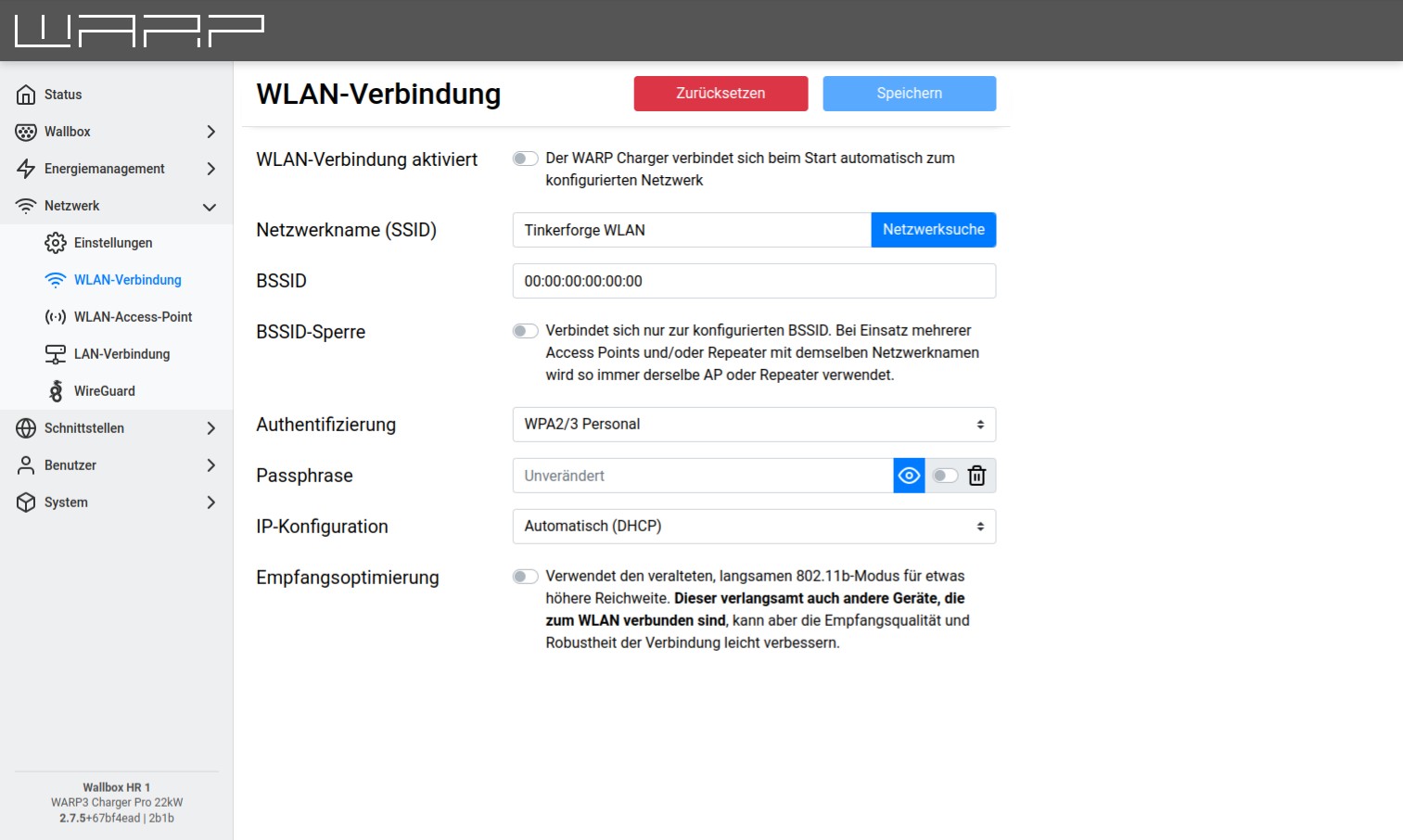
By pressing the Network Search button, a menu opens where the desired WiFi network can be selected. The network name (SSID) and BSSID are then automatically entered, and the connection is activated on restart. If necessary, the passphrase of the selected network must now be entered. Additionally, the IP configuration (DHCP, static) can be set and a reception optimization can be enabled. The reception optimization then uses the old 802.11b mode.
note
The LAN and WiFi connections should not be connected simultaneously to the same network or IP range, as this can lead to connection problems.