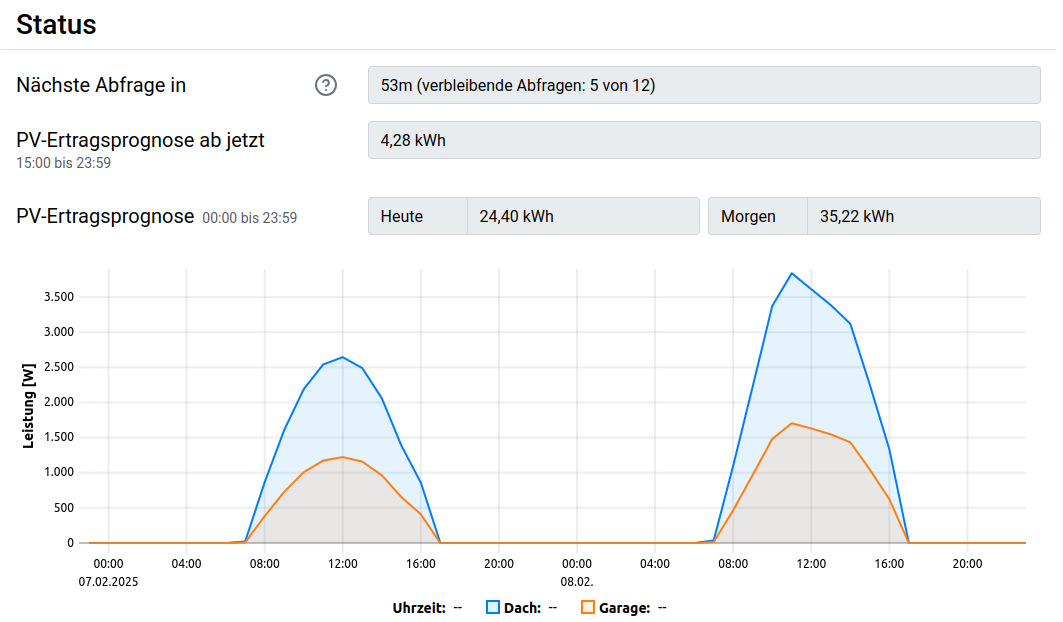
Solar Forecast
If a PV system is available, a solar forecast can be used to improve the heater control (Energy Manager) and the charging schedule of Eco Mode.
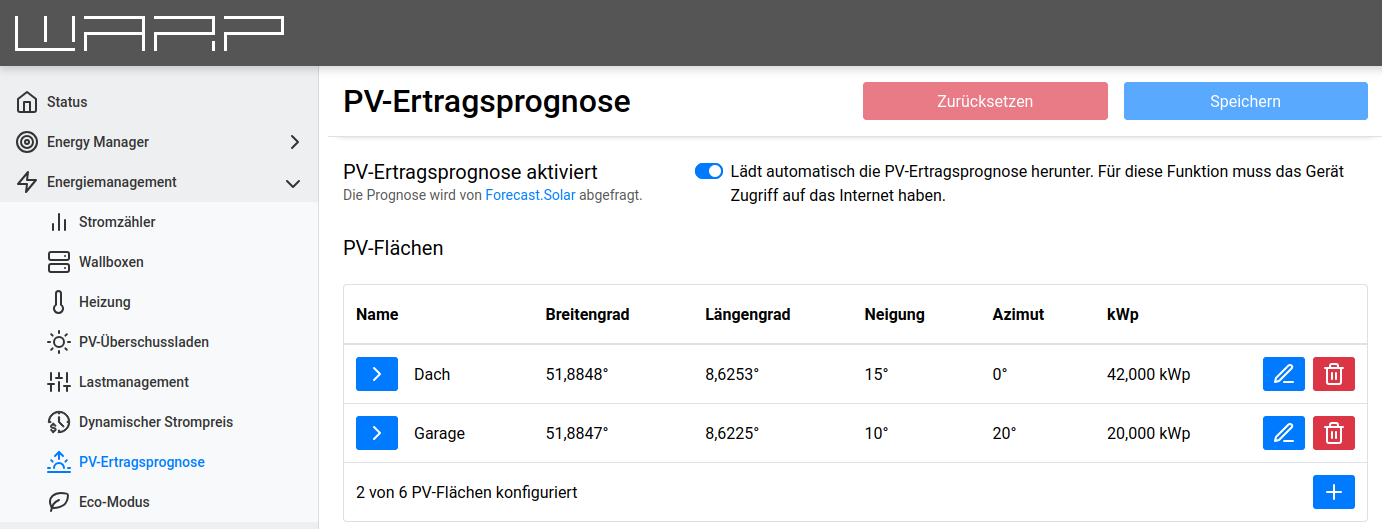
The source can be set to either Automatic via forecast service or Push via API. In the automatic variant, the forecast is obtained from forecast.solar. In push mode, the forecast data is provided via the API endpoint solar_forecast/planes/X/forecast_update.
Up to six PV surfaces with different positions and orientations can be added.
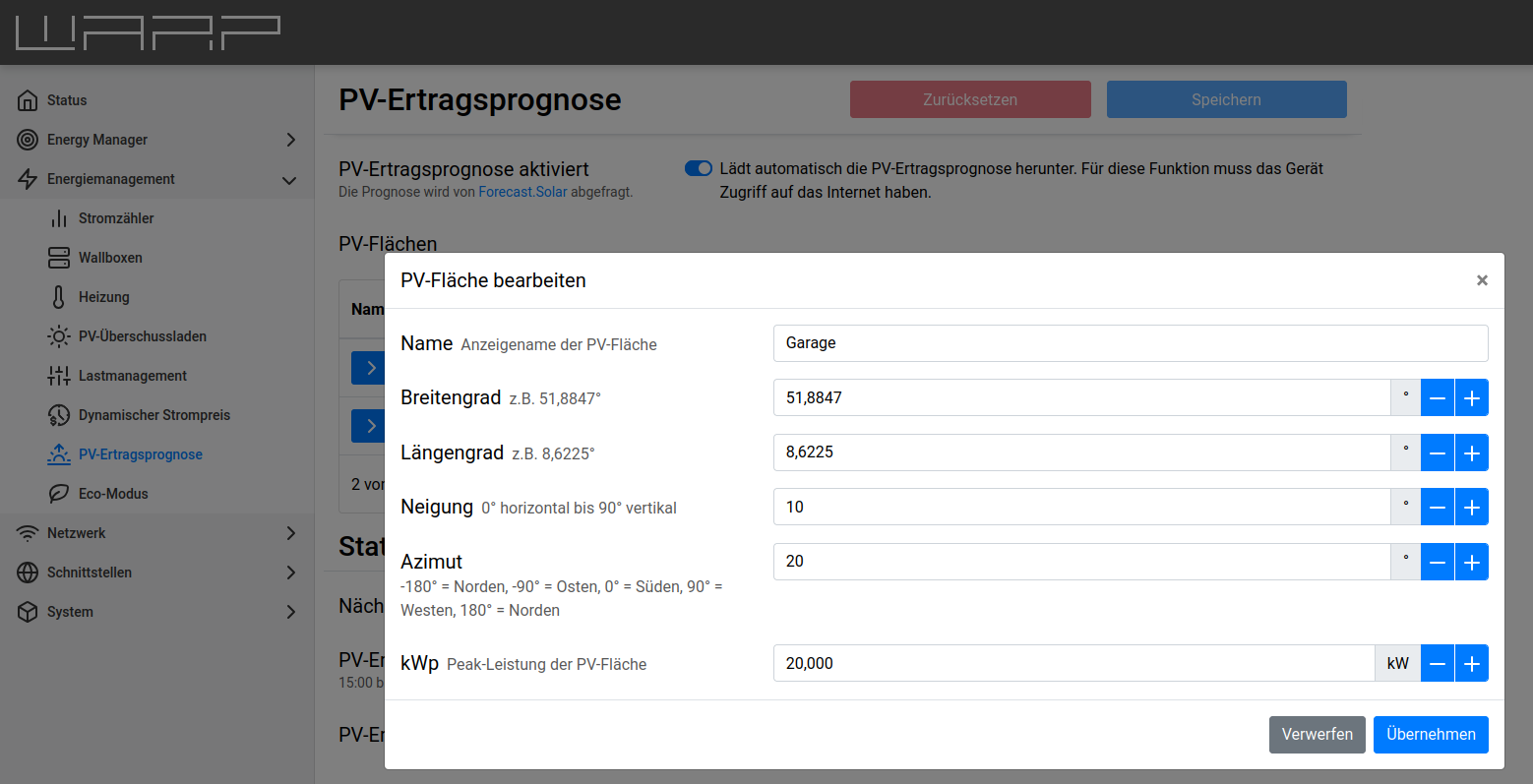
For each surface, the following data must be known for a successful solar forecast:
- Latitude,
- Longitude,
- Tilt,
- Azimuth and
- Peak power of the PV surface in kWp.
Additionally, a display name can be assigned to the surface.
Status
After the solar forecast has been configured and activated, there is an overview of the forecast further down on the page. The forecast is updated approximately every 2 hours and should continuously improve.